
AI analytics that keeps data in-house.
In-House Insights is a sovereign AI analytics platform. It runs on a server the organization owns, answers questions from the databases, spreadsheets and documents the organization already holds, and retains every proven analysis as an asset the organization keeps. The AI model is a replaceable component. The data does not move.
A two-minute introduction: what the platform is, how data remains on your infrastructure, and what an organization retains from its use.
Deployment
A server the organization owns. Users connect from a browser over the corporate network; no client software is installed.
Data
Remains on the organization’s infrastructure. The model receives a description of the data; the analysis runs on the server.
AI model
Claude, GPT, Gemini or Grok on the organization's own keys, or a local model for fully offline operation.
Retained
A reviewed Knowledge Base; dashboards, KPIs, Live Monitor and scheduled reports that run without model calls.
Governance
One administrator; user groups with access denied by default; a 90-day activity record.
Who it is for
Organizations whose most valuable data may not go to an outside service.
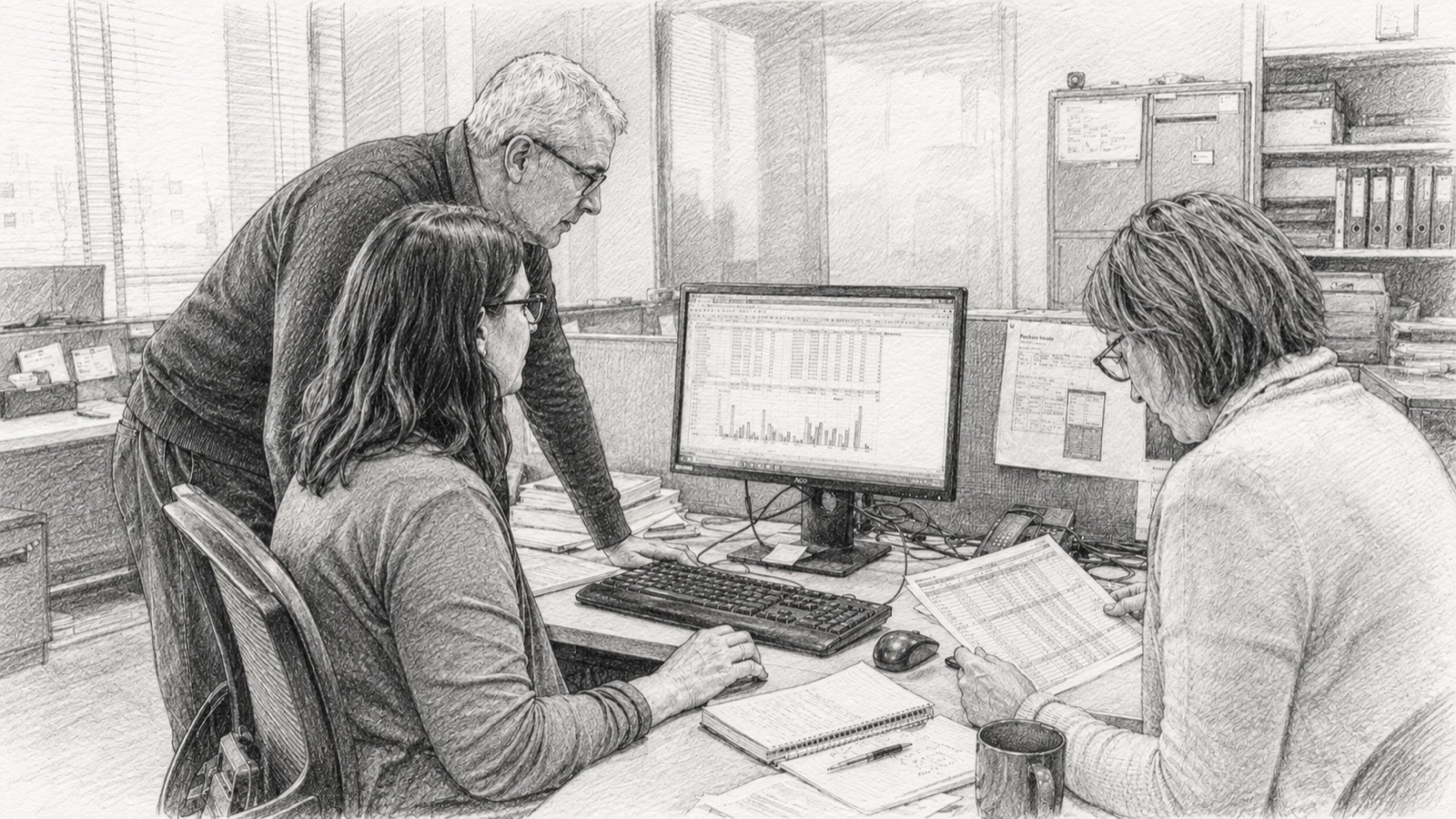
Banks, hospitals, ministries, law firms, manufacturers and research institutions have analytics teams, established data and dashboards. They also have a policy, a regulator or a residency law that requires their most sensitive data to remain within the organization. In-House Insights is designed for that situation.
What they have
Databases, spreadsheets and documents; analysts who know the data; dashboards for the figures reviewed every week. Questions outside the dashboards are answered by analysts on request.
What the platform adds
AI-assisted analysis of that data within existing policy, on infrastructure the organization controls. Analyses that have been reviewed are retained and can be re-run without further model calls.
The platform
Three properties of the architecture, and the capabilities built on them.
The model works from a description
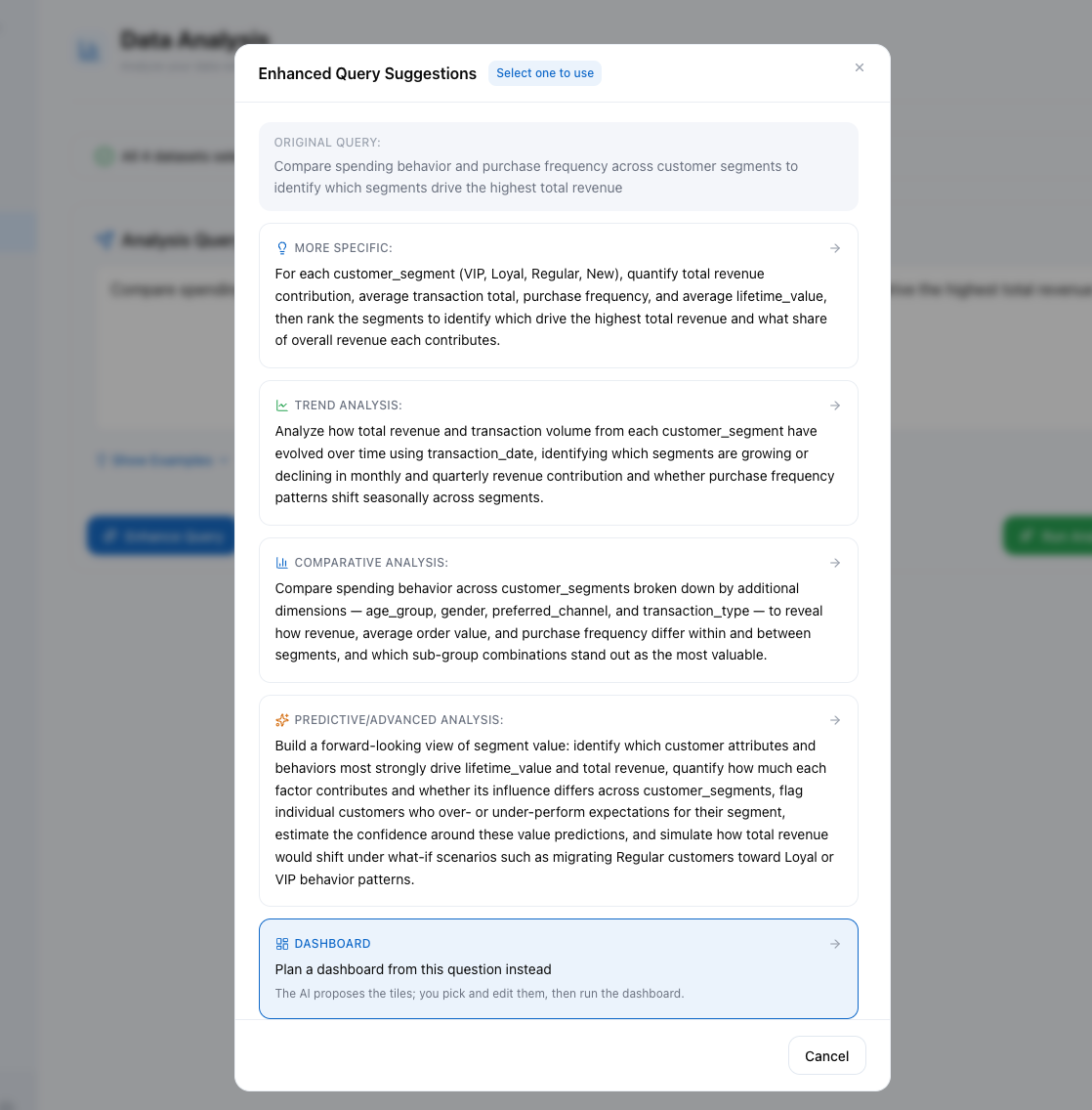
Datasets, files and documents are not uploaded to the model. It receives a description of the data, including its structure, summary statistics and a small number of example values at default settings, and writes the analysis; the analysis runs on the organization's own server against the actual figures. This applies to each supported cloud model and to a local model alike.
Reviewed analyses are retained
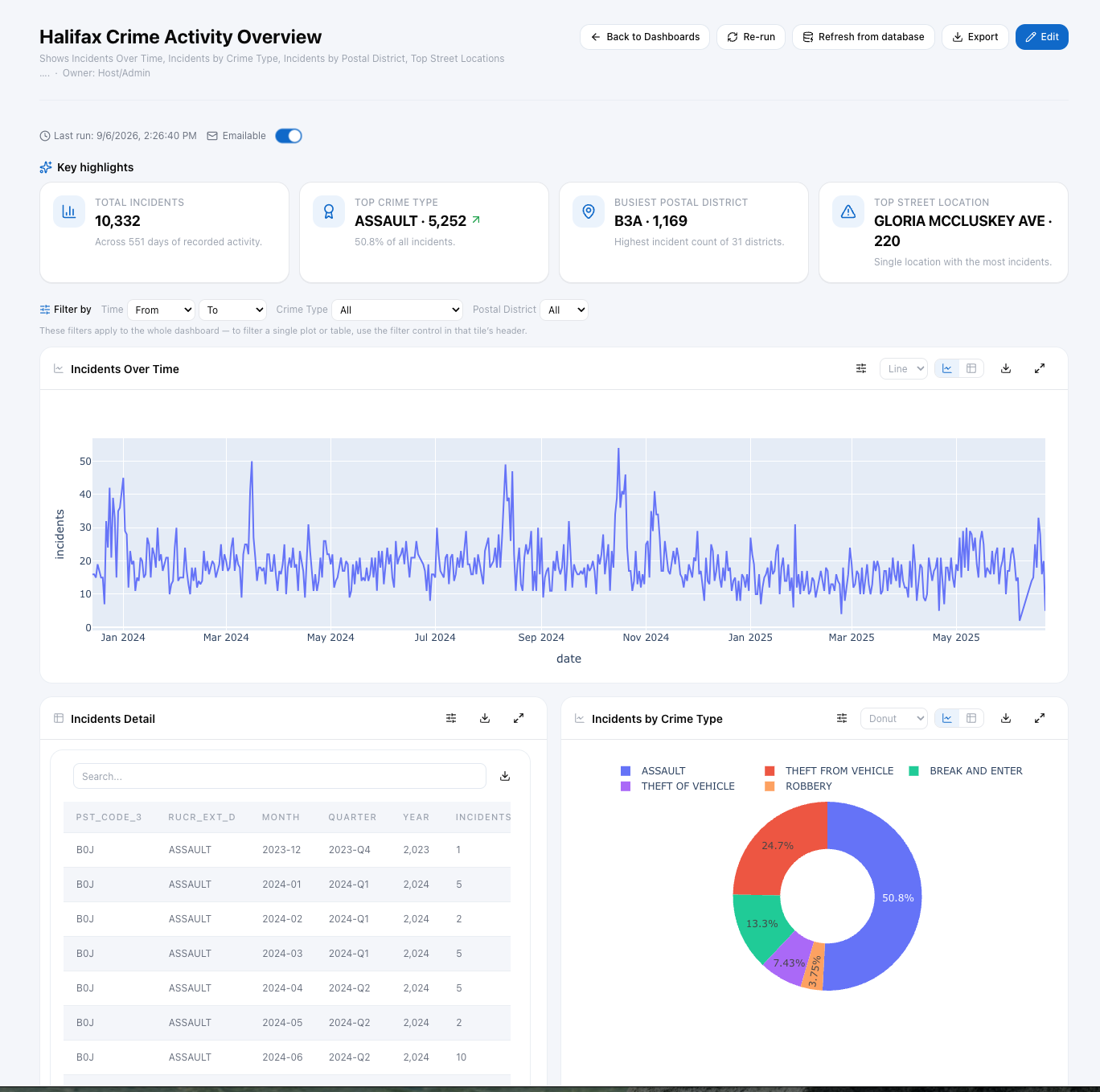
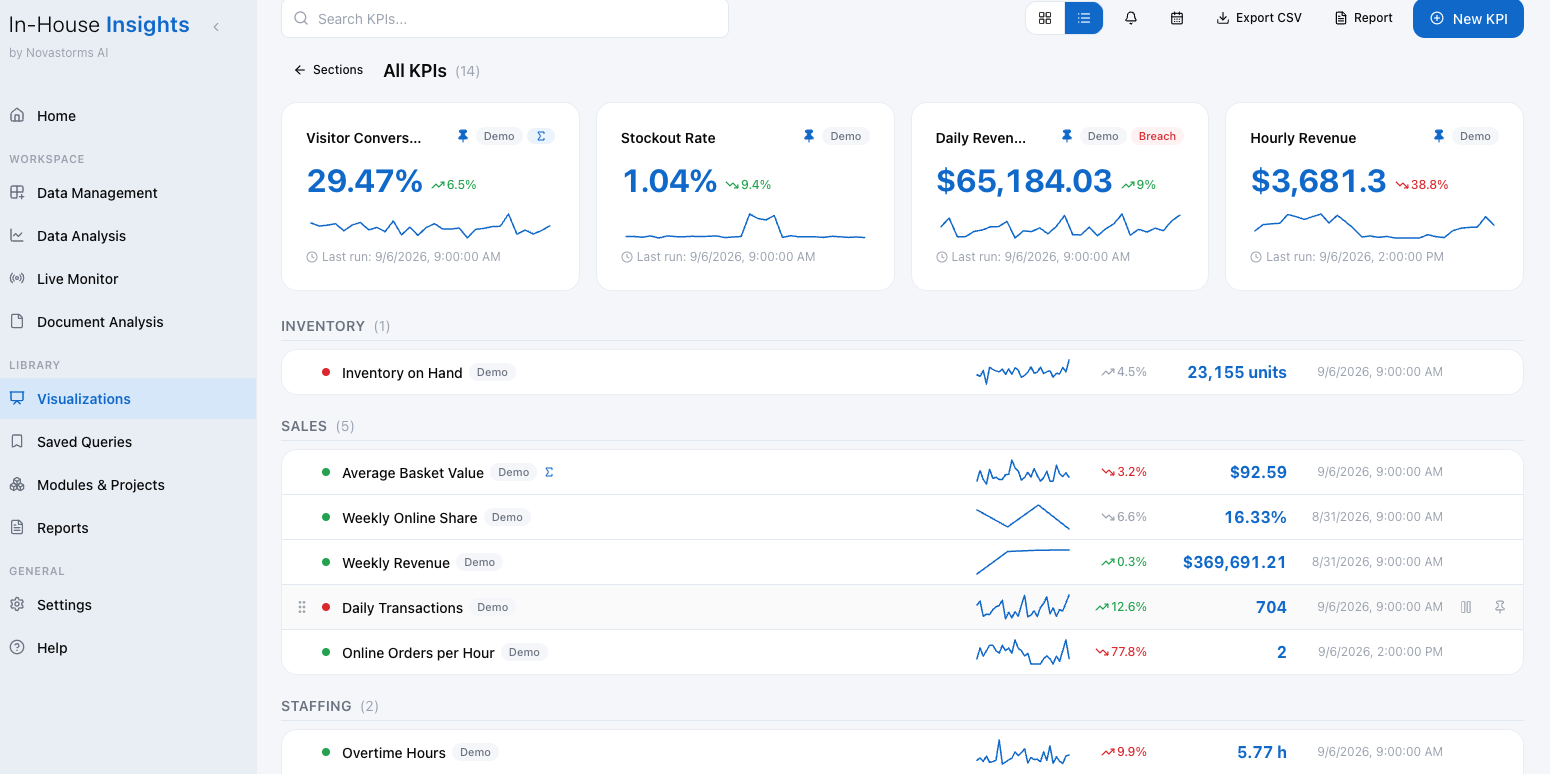
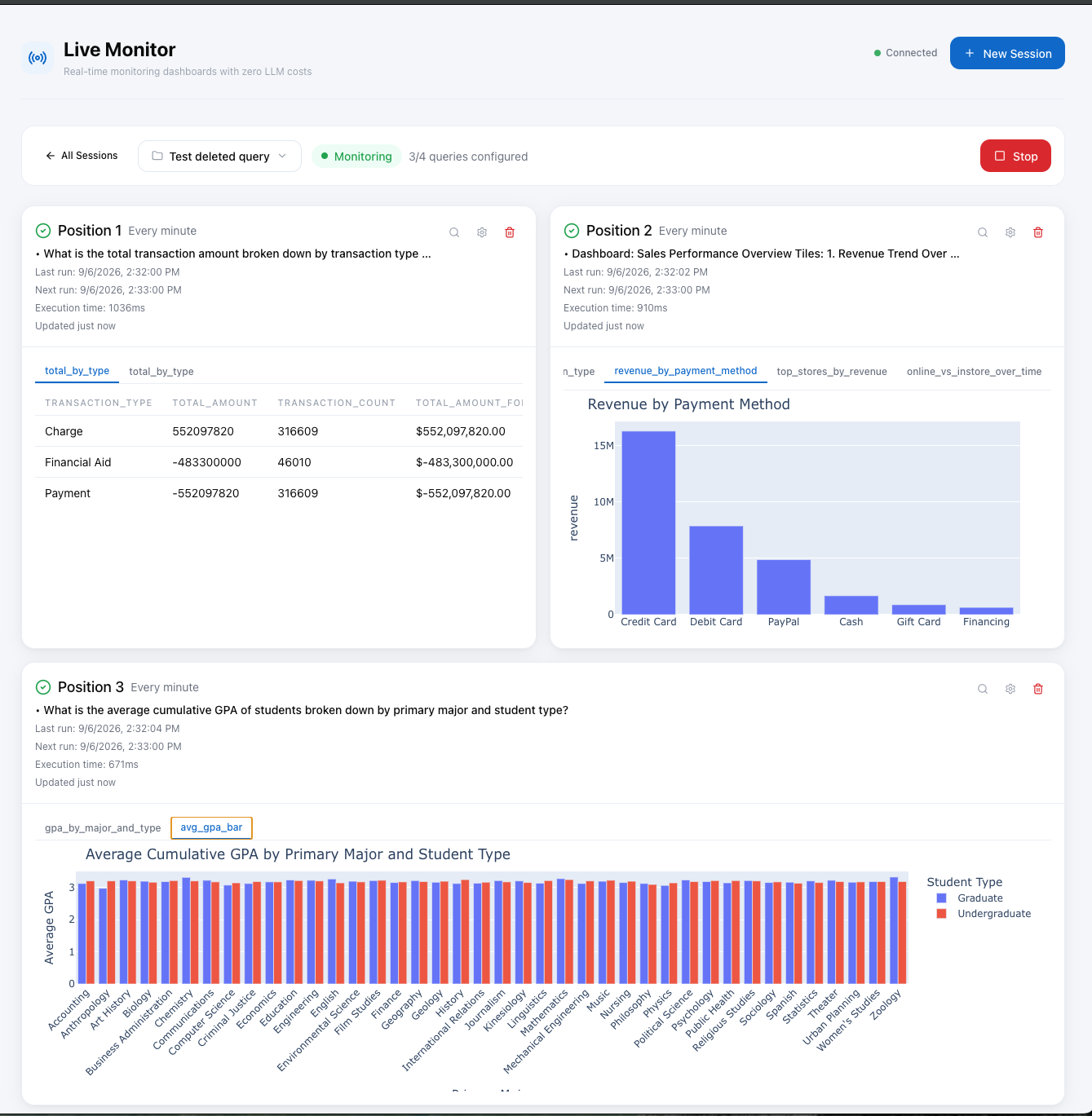
An analysis that has been reviewed is retained as executable work the organization owns. It can be re-run on current data, used in dashboards, KPIs, Live Monitor and scheduled reports, and shared with colleagues who do not write code, without further model calls.
One server for the organization
Installed once on a server the organization owns. Users work in their own workspaces from a browser; departments are managed as user groups; one administrator governs the installation. No cloud tenant is required.
Over time
As the Knowledge Base grows, a larger share of routine analytics runs from retained work rather than from new model calls, and the organization's dependence on any single AI vendor decreases.
Deployment
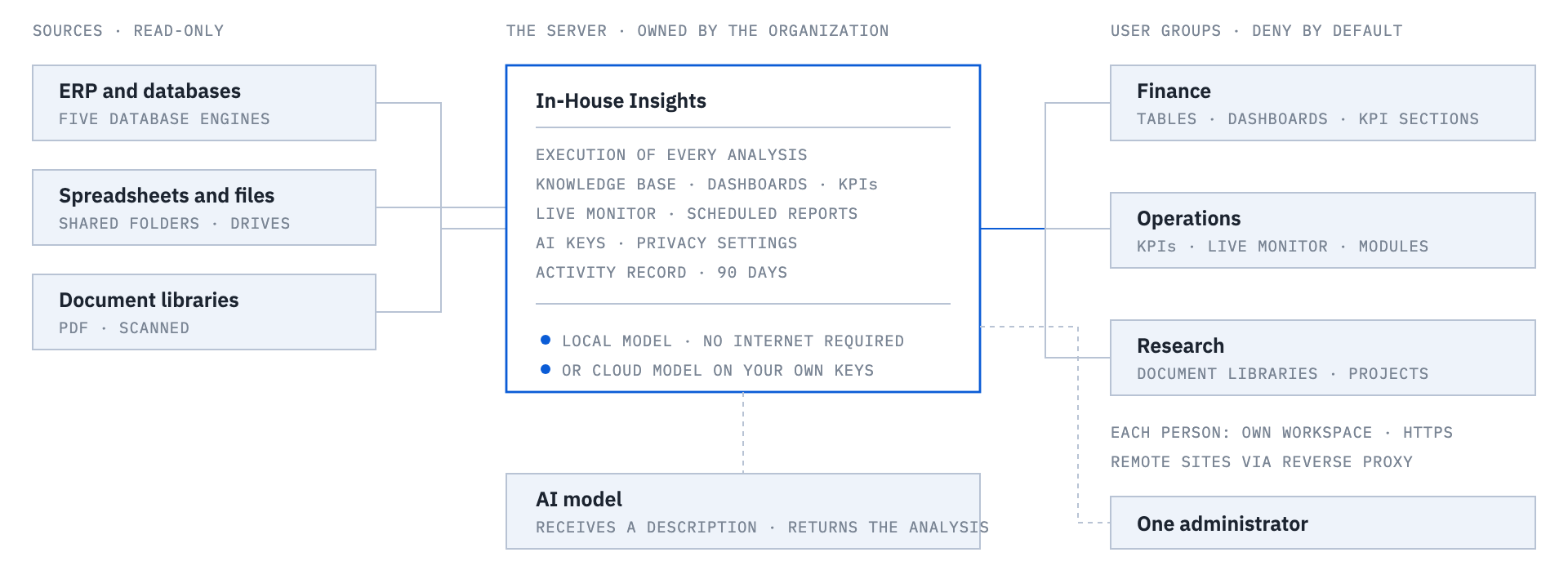
One server, departments as groups, each person in their own workspace.
IT assigns a server and the application is installed once. Departments join as user groups and people connect from a browser over the corporate network, wired or wireless, over HTTPS. No cloud tenant is provisioned and no client software is installed.
Data handling statement
What the platform sends outside the organization, stated in writing. The same terms apply to each supported model, cloud or local.
Datasets, database tables, files and documents remain on the organization's machines and are not uploaded to the model. Databases are read under read-only credentials and cannot be modified.
The model receives a description of the data: its structure and summary statistics and, at default settings, two example rows per table and the most frequent text values. The administrator can switch the example values off for all users. From that description the model writes the analysis, which runs on the server.
Results reach the model only when a user asks for a written explanation, as an aggregated digest the user reads before it is sent, with identifier values withheld. For documents, only the passages the search matched travel with the question.
With a local model, none of the above crosses the network. The server can operate without an internet connection.